
Three paths in. One calm OneSpace.
Whether you're forming a new community, moving off legacy systems, or rolling out at a brand-new site — we've done it before. Pick the path that fits, and we'll walk it with you.
Create your community
Starting from scratch? We'll help you formalise the essentials — constitution, roles, members and channels — so your community has a proper backbone from day one.

"Community Matters. Build Together."
- 01
Define your community
Tell us who you are — an estate, a school, a club, a watch group. We pre-load the structure, terminology and templates that fit your community type so you don't start with a blank page.
- 02
Invite your people
Bulk-invite members, assign roles and let households self-complete their profiles. Onboarding emails and reminders run themselves — you just approve.
- 03
Switch on the tools you need
Turn on only the modules that matter today — comms, OneChat, access, visitors, vehicles. Add more later. Every module shares one record and one identity.
- 04
Go live, refine, repeat
Day-to-day admin shrinks. You spend your time on people. NexA quietly handles the rest — reminders, summaries and anomalies — and we're a message away when you need us.
Migrate your existing systems to OneSpace
Already running on spreadsheets, WhatsApp groups, a legacy estate system or a patchwork of tools? We'll move you across calmly — no data left behind, no service interruption.
"Structured, stepped move to OneSpace. Derisk your upgrade."
- 01
Discovery & audit
We sit with your team and map what you have today — systems, sheets, vendors, integrations, comms channels and the workarounds nobody talks about. You get a clear migration plan before we touch anything.
- 02
Data extraction & cleansing
We pull your member register, units, vehicles, access records, financials and history out of legacy systems. Duplicates are merged, gaps flagged and your data lands in OneSpace clean, structured and audit-ready.
NexA spots duplicates, inconsistencies & missing fields. - 03
Parallel run
OneSpace runs alongside your existing system for an agreed period. Your team works in both, we reconcile daily, and you build confidence before cut-over. Nothing breaks behind your back.
- 04
Cut-over & decommission
On the agreed date we flip the switch. Legacy logins are retired, integrations re-pointed and your old vendors offboarded gracefully. A full handover pack documents every decision.
- 05
Stabilise & optimise
For the first 90 days a named success manager works alongside you. We tune workflows, train new admins and turn on the modules you parked during migration once the basics are humming.
Implement OneSpace on a new site
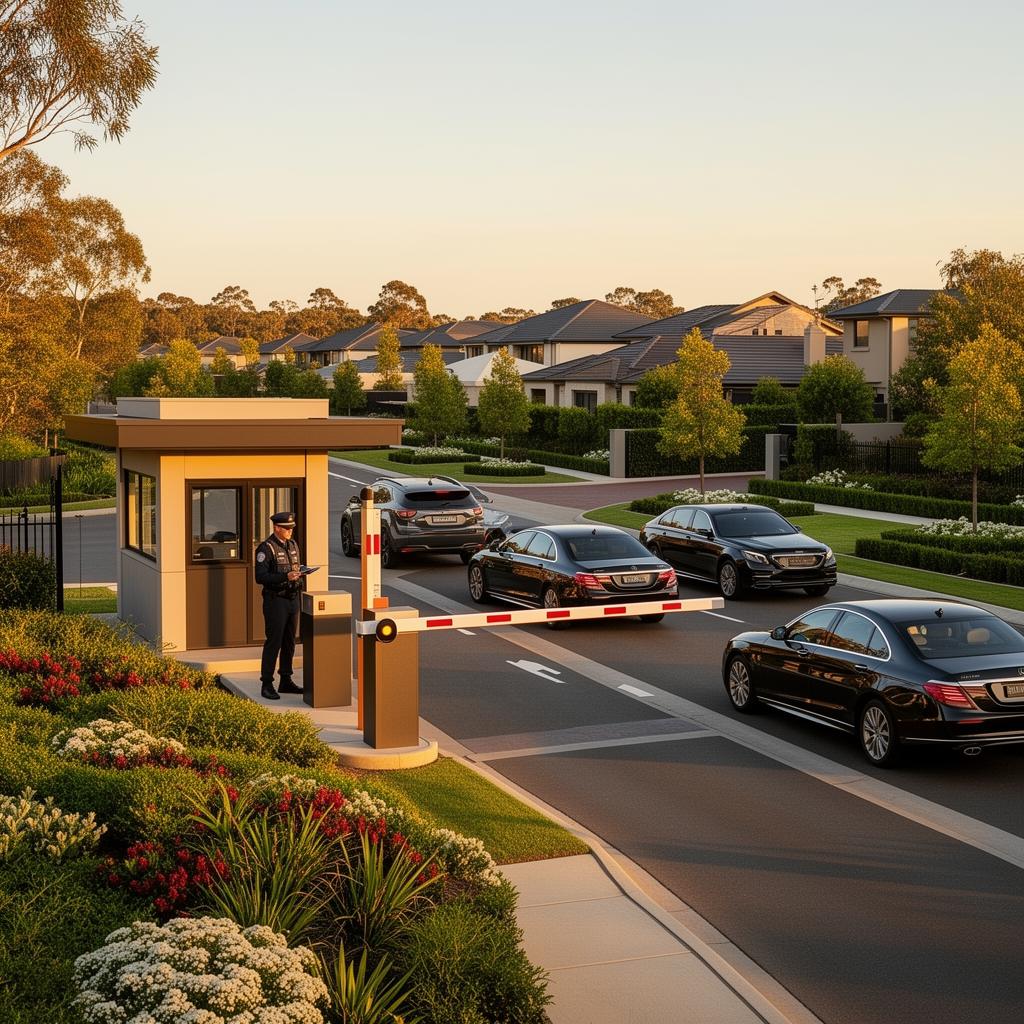
Deploying OneSpace at a new estate, precinct or facility? This is the boots-on-the-ground roll-out — hardware, integrations, staff training and a confident go-live.
- 01
Site survey & scoping
We walk the site — gates, guard houses, cameras, networks, fibre and power. You get a scoped design: where readers go, which lanes get ANPR, where panic points live and what the control room sees.
- 02
Hardware & infrastructure
Access readers, biometric devices, ANPR cameras, intercoms and tablets are procured, configured and installed by our partners or yours. Everything is provisioned to your OneSpace tenant before it leaves the bench.
- 03
Integration & configuration
Hardware, third-party systems (alarm monitoring, response, accounting) and your community rules are wired into OneSpace. Access zones, visitor flows, vehicle watchlists and escalation chains are configured to your SOPs.
NexA suggests SOPs based on similar sites we've launched. - 04
Staff & resident training
Guards, admins, managers and trustees each get role-specific training — short, practical and on-site where it matters. Residents get the app with a friendly onboarding flow and a help line they can actually reach.
- 05
Go-live & ongoing support
Launch day is supervised. For the first weeks we're embedded — fixing edge cases, tuning rules and answering questions. Then we hand over to your team with a named account manager on standby.